
Today
- Room and kitchen inspections sit on separate lists.
- Engineering hears the complaint on the radio.
- The manager finds the problem in a guest review.
Industries · Hospitality
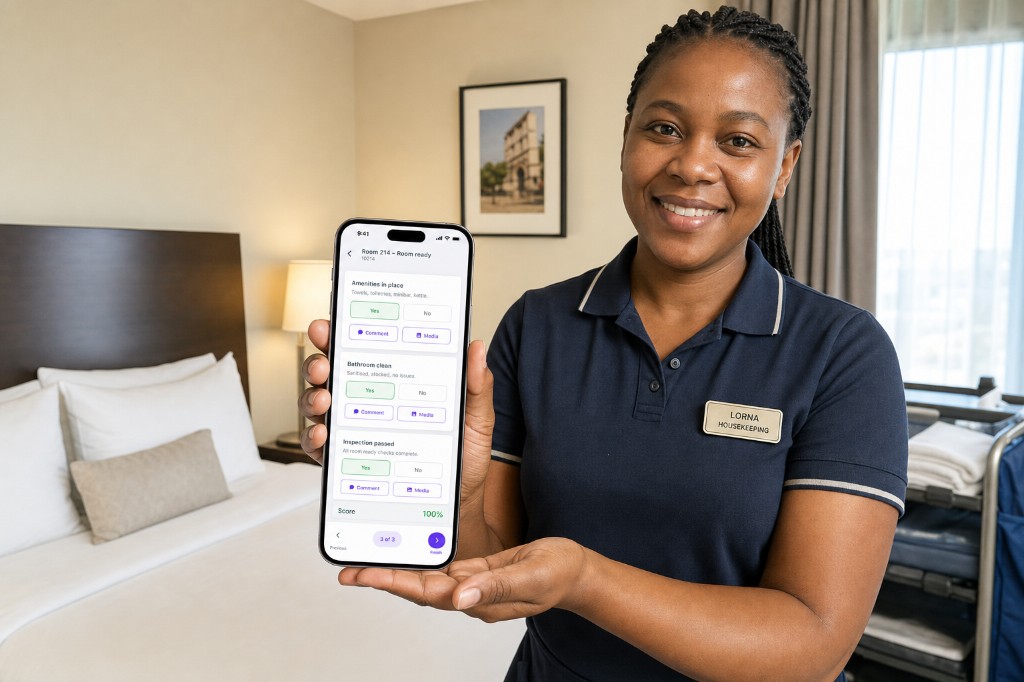
AuditDAT is hotel inspection software for housekeeping, kitchens and maintenance. Housekeeping inspects on a phone. Maintenance gets the job card. A guest can report from a room QR.
Housekeeping inspects on a phone. Maintenance gets the job card. Guests report from a QR in the room. Reception logs complaints on the same list.
The problem
How it is used
Housekeeping inspects rooms. Guests and reception can add jobs. Kitchen, public areas and patrols use the same list.
In the room
Room-ready checks: amenities, cleaning, defects. A leak, a lamp or a blocked drain becomes a job card for maintenance, with a photo.
From the guest
They scan the QR, describe the issue, add a photo if they want, and can track progress. No app. The job sits with the other room issues.
At the desk
Walk-in issues become a job card for housekeeping, engineering or F&B. It is the same list used for open rooms.
In the kitchen
Hygiene, temperatures and storage run on a phone. A fail becomes a job card for the kitchen or engineering. Photos sit on the check.
Around the hotel
Lobby, restaurant, leisure, HSE, security and pest control are more checks on the same phones. Planned maintenance uses the same job cards.
The same list also runs:
Download samples from the checklist library. Then send five of yours. We put them in AuditDAT for the demo.
Proof it works
“Simple, consistent, and easy to manage across properties”
Viktor Estate
AuditDAT helps organise and track maintenance work as well as cleaning schedules. Inspections stay consistent across properties, with better visibility and control over standards.
FAQ
AuditDAT is hotel inspection software for housekeeping, kitchens and maintenance. Housekeeping inspects on a phone. A fail becomes a job card for maintenance. A guest can report from a room QR with no login.
Yes. Housekeeping, kitchen, maintenance and HSE run their own forms, with one view of open job cards.
Yes. Shared checklists keep properties on the same standard. Filter by site to see what is overdue.
Yes. A guest, tenant, contractor or worker scans a QR code, reports the issue, and can track it. No app needed.
Yes. Actions are job cards. Create them from a failed check, add them yourself, or get them from a QR report. They stay open until someone closes them.
Free with your demo
Send five inspection forms your team uses today: PDF, Excel, Word or a photo of paper. We put them in AuditDAT and show you the product on your process.
Bring your forms as PDF · Word · Excel · photo of paper

Included when you book a demo. No extra fees.
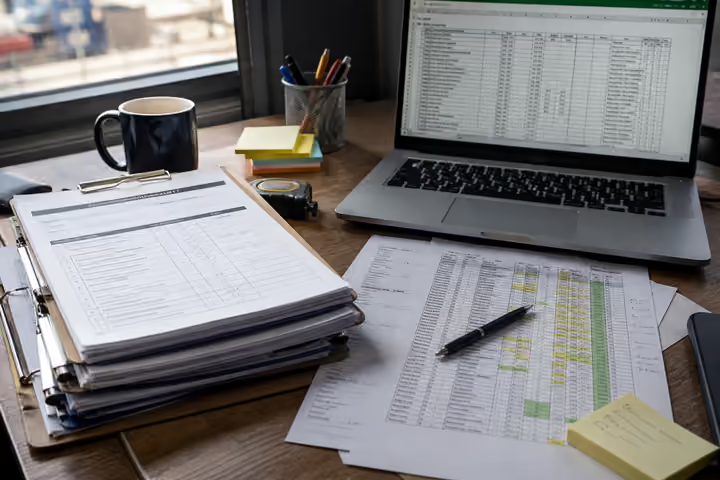
1 You send paper or Excel forms
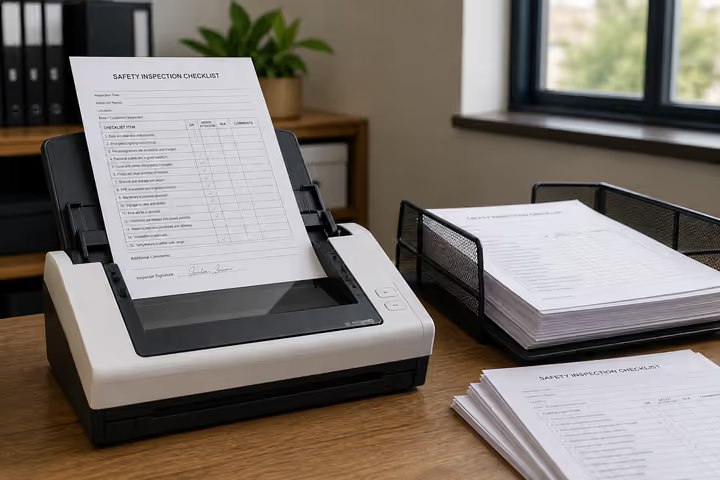
2 We convert them into AuditDAT

3 Your demo uses your inspections
Other industries
The checklists change. Inspect, act and report stay the same.

Site checks on a phone. Hazards become job cards. Workers report near misses from a board QR.
Patrol on a phone. Incidents become job cards. Staff or visitors report from a gate QR.

Check the line on a phone. Fails become job cards. Operators report faults from a QR.

Inspect pits and camps with no signal. Job cards for crews. Workers report hazards from a QR.

Permits and LOTO on a phone. Fails become job cards. Visitors report from a gate QR.

Inspect on a phone. Contractors get job cards. People in the building report from a floor QR.
Almost there
Enter your work email and we’ll keep this ready for your demo.
Before you go
Send five inspection forms your team uses today: PDF, Excel, Word or a photo of paper. We put them in AuditDAT and show you the product on your process.